
Opera
Opera is a free web browser for Windows from Opera Software. The stable release is 136.0.6008.22, published on 17 September 2026.
133.1 MB

156.0.1 · Mozilla Corporation · Page updated
Mozilla Firefox is a free and open-source web browser developed by Mozilla, available for Windows, macOS, Linux, Android and iOS.
Average 0.0 · ratings: 0
Thank you! Your rating is saved; you can change it. Could not save the rating. Please try again later. Too many ratings from your network today. Please try again tomorrow. The average appears after 5 ratings.
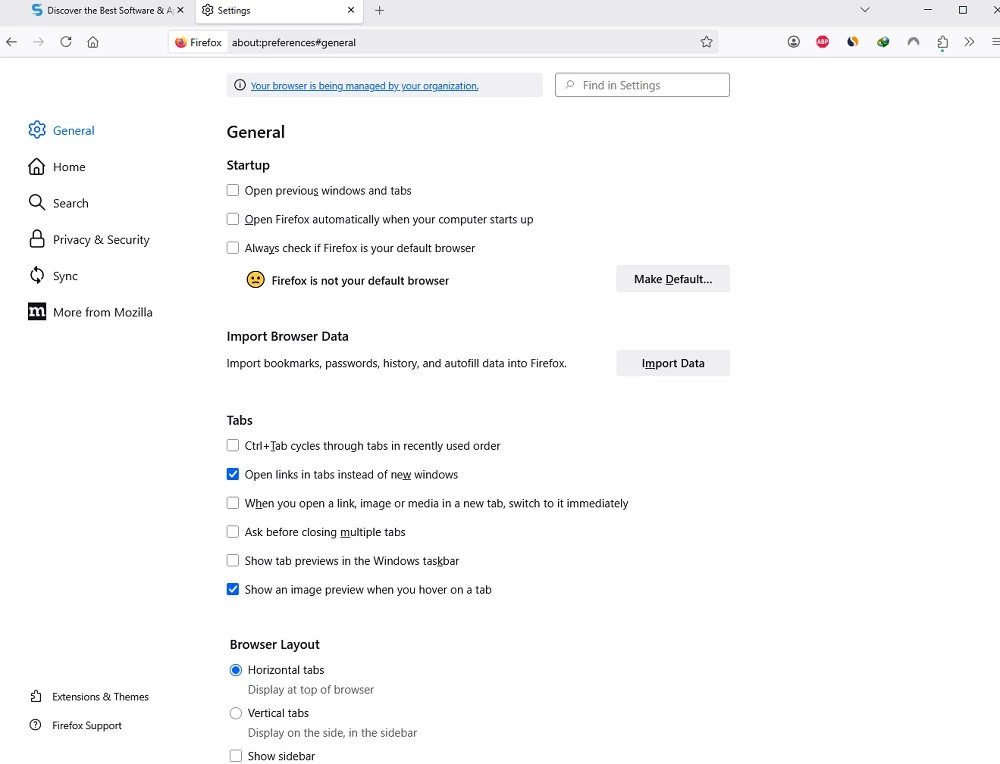
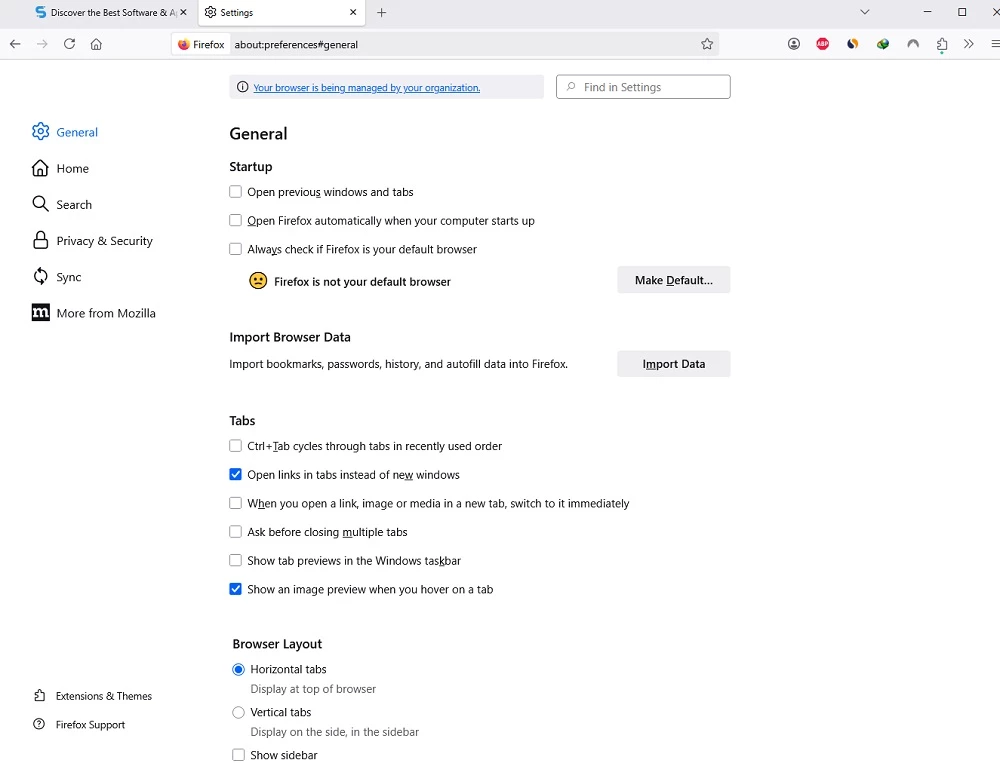
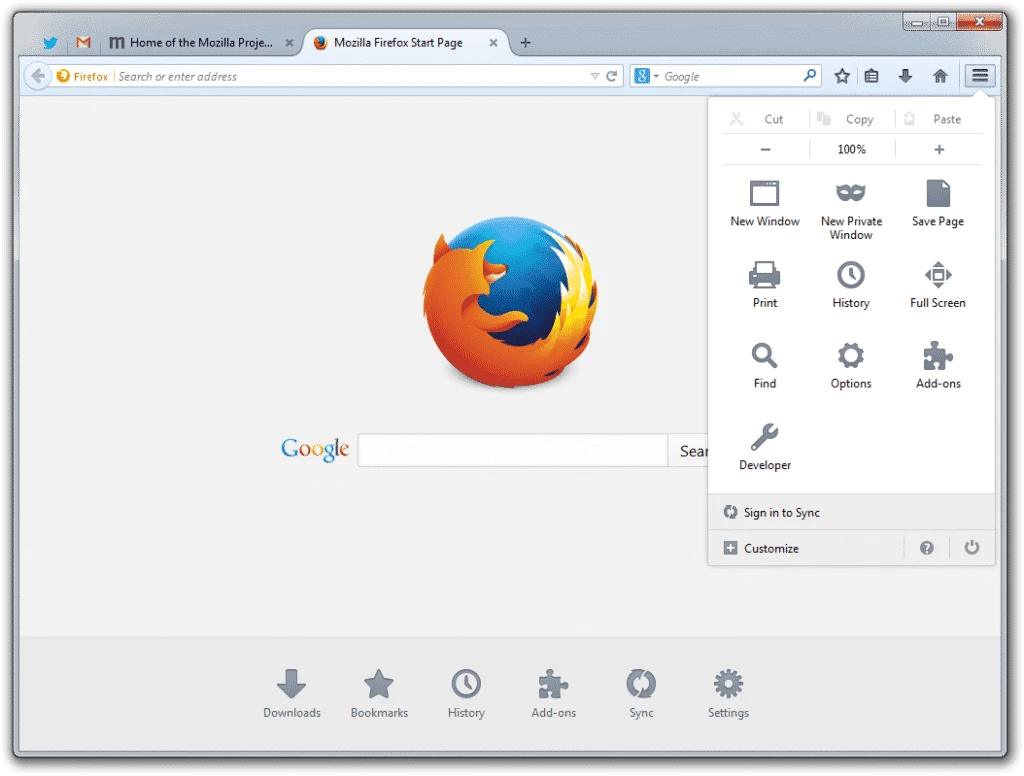
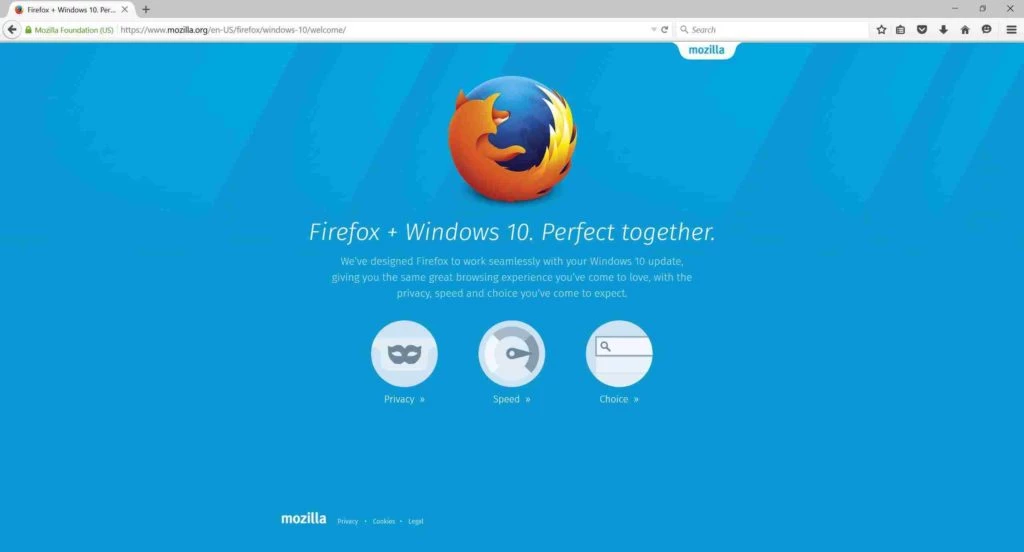
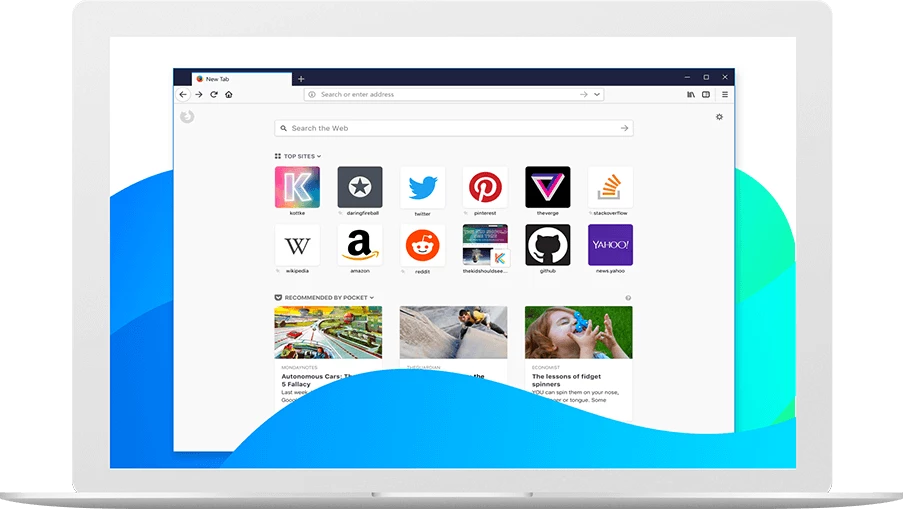
Mozilla Firefox 156.0.1 for Windows is the current stable release of Mozilla's free and open-source web browser, published on 22 September 2026. You can download it from firefox.com or mozilla.org, and it runs on Windows 10 or later.
Firefox traces back to 23 September 2002, when Dave Hyatt, Joe Hewitt and Blake Ross started it within the Mozilla project. Today it is developed by the Mozilla Corporation, backed by the non-profit Mozilla Foundation, and released under the Mozilla Public License 2.0. That background explains its character. Firefox uses its own rendering engine instead of sharing one with most other browsers, and privacy is a default rather than an option you have to find: tracking protection is switched on out of the box. On a Windows PC it behaves like a modern browser in every other respect, with tabs, a combined search and address bar, a password manager, sync through a Mozilla account and a large library of add-ons. People choose it when they want a fast, capable browser that is not tied to an advertising company, or when a website works better in it for development and testing.
| Version | 156.0.1 (stable) |
|---|---|
| Released | 22 September 2026 |
| Developer | Mozilla Corporation, Mozilla Foundation |
| License | Mozilla Public License 2.0 |
| Architectures | 32-bit and 64-bit x86, ARM64 |
| Size | about 92.77 MB according to catalogue data |
Mozilla's system requirements page lists Windows 10 or later, a 1 GHz or faster processor, 1GB of RAM for the 32-bit version or 2GB for the 64-bit version, and 500MB of hard drive space.
Beta, Developer and Nightly builds are offered on the desktop channels page; the stable release is the one to use every day.
Only download Firefox from Mozilla's own sites. Tracking protection is on by default, and the privacy settings let you make it stricter. Install add-ons only from Mozilla's official add-ons site and review the permissions each one asks for.
The first-run import brings over bookmarks, history and saved passwords, so switching takes a few minutes. Give it a week before judging: pin the sites you use daily, add the two or three extensions you really need, and adjust the new tab page.
Firefox is free, with no paid version. The source code is public on GitHub.
Google Chrome, Microsoft Edge, Opera and Brave Browser are popular Windows browsers in the same category. LibreWolf and Firefox ESR are close relatives for privacy-focused users and organisations.
Opera is a free web browser for Windows from Opera Software. The stable release is 136.0.6008.22, published on 17 September 2026.

UC Browser for Windows is the desktop version of the web browser from UCWeb, a Chinese mobile internet company.

Google Translate is Google's multilingual machine translation service, used on Windows through the website and a browser extension.

Microsoft Edge is Microsoft's web browser, preinstalled on current Windows versions and available as a free download for reinstalling or updating.

Vivaldi is a free, highly customisable web browser from Vivaldi Technologies, based on Chromium and with a built-in email client. This page covers version 8.2 (4133.76).

Google Chrome is the free web browser from Google. The stable Windows release is 154.0.8037.58, out since 22 September 2026.

Cent Browser is a free Chromium-based browser for Windows from Cent Studio that adds mouse gestures, tab tweaks and other power-user options.