
Microsoft Edge
Microsoft Edge for Android is Microsoft's mobile web browser, syncing favourites, passwords and tabs with Edge on your Windows PC.
252.5 MB

156.0.1 · Mozilla Corporation · Page updated
Firefox for Android is Mozilla's free, open-source mobile browser with tracking protection, add-ons and sync with Firefox on your computer.
Average 0.0 · ratings: 0
Thank you! Your rating is saved; you can change it. Could not save the rating. Please try again later. Too many ratings from your network today. Please try again tomorrow. The average appears after 5 ratings.
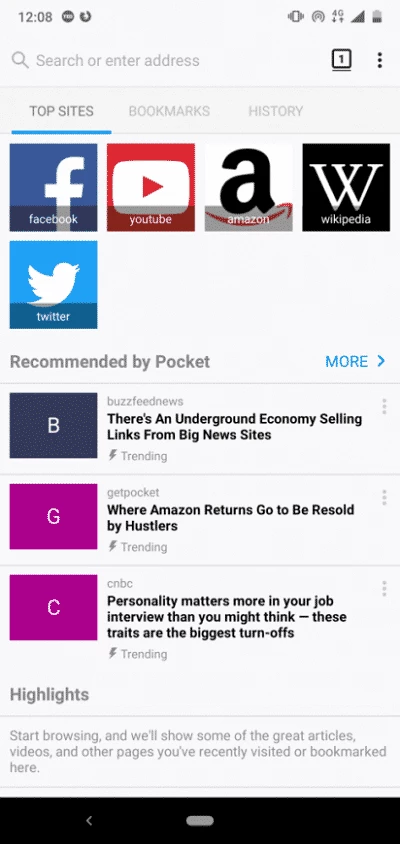
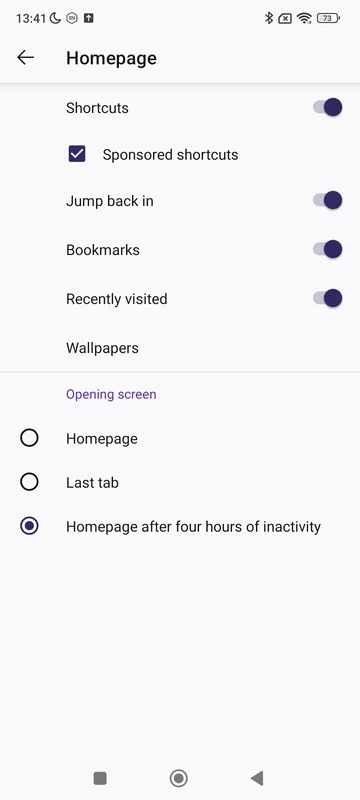
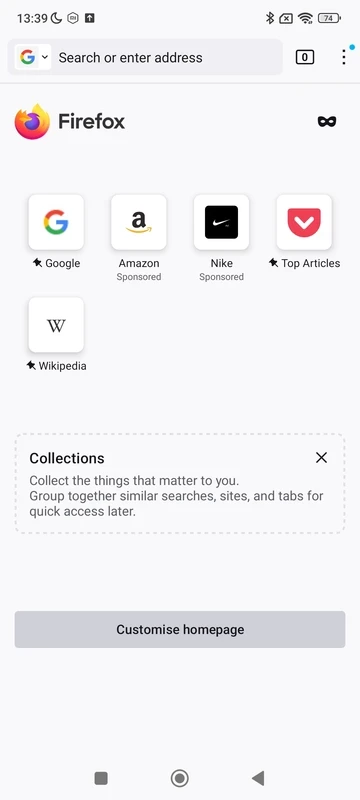
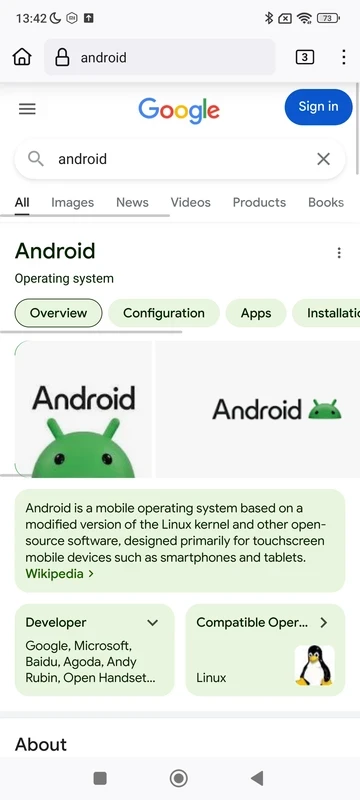
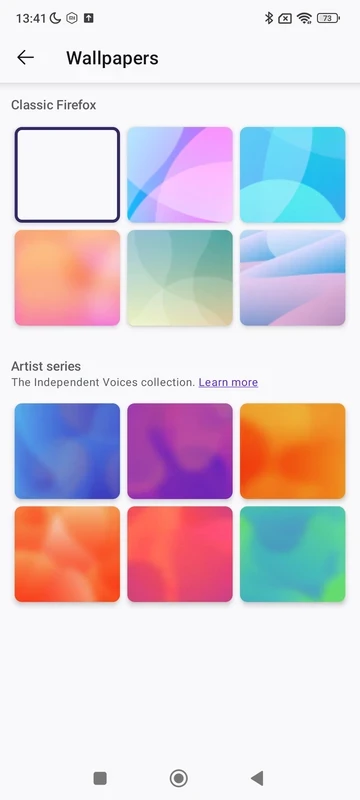
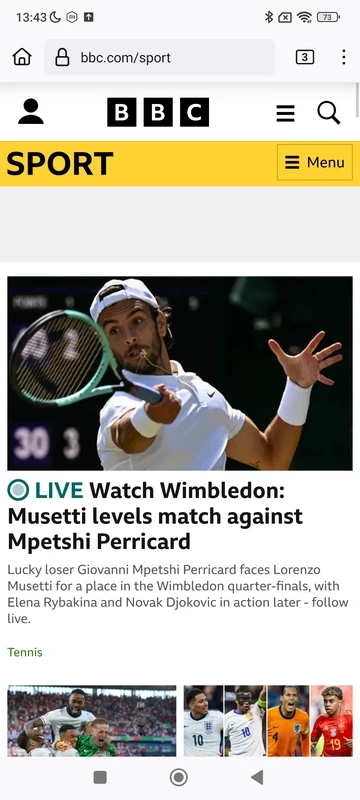
Firefox 156.0.1 for Android is Mozilla's free and open-source web browser for phones and tablets, and you can download it from Google Play. It brings Firefox's privacy defaults and its own browser engine to Android, and it syncs bookmarks, passwords and open tabs with Firefox on your computer.
| App | Firefox |
|---|---|
| Version | 156.0.1 |
| Developer | Mozilla |
| Platform | Android |
| License | Open source under the Mozilla Public License 2.0 (MPL-2.0) |
| Project started | 23 September 2002 |
| Written in | C++, Rust, JavaScript and other languages |
| Updated | September 2026 |
| Size | about 127 MB according to catalogue data |
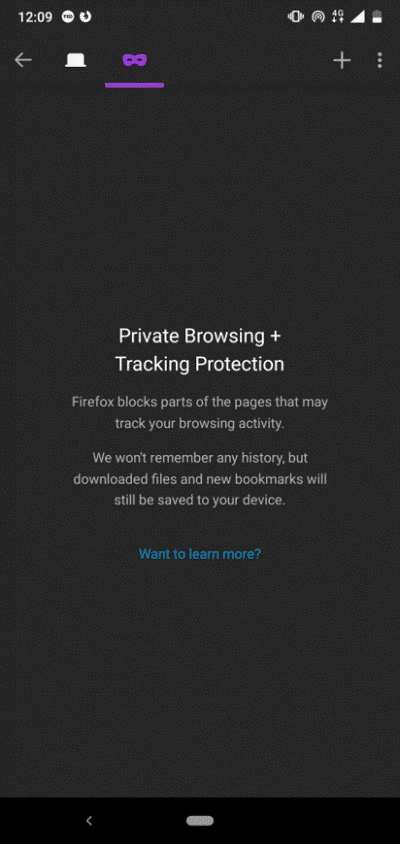
Most Android browsers are built on the same engine. Firefox is not: it uses Mozilla's own, which keeps the web from depending on a single company and gives Firefox room to make its own choices about privacy. On the phone that shows up as tracking protection that works from the moment you open the app, private tabs that forget everything when you close them, and support for add-ons, something many mobile browsers lack. Add-ons let you block ads, switch to dark mode on every site or manage passwords with your preferred service. The address bar sits at the bottom or the top, as you prefer, which matters on tall phones. People pick Firefox on Android when they already use it on a computer, when they want extensions on their phone, or simply when they prefer a browser from a non-profit-backed organisation.
The official site, firefox.com, links to all versions, and the source code is on GitHub.
Google Play decides compatibility and offers the app only to supported phones. Mozilla's published system requirements for this release cover the desktop versions.
Move the address bar to the position that suits your thumb, install one content blocker from the official catalogue, and send tabs between phone and computer instead of emailing links to yourself. If a site misbehaves, turning off tracking protection for that site alone usually fixes it.
Install Firefox only from Google Play or via firefox.com. In the settings you can make tracking protection stricter, delete browsing data on exit and review site permissions. Add-ons should come from Mozilla's official catalogue, and it is worth checking the permissions each one requests.
Firefox is free, with no paid tier.
Google Chrome, Brave Browser, Opera, Microsoft Edge and Samsung Internet Browser are Android browsers in the same category.
Microsoft Edge for Android is Microsoft's mobile web browser, syncing favourites, passwords and tabs with Edge on your Windows PC.

Opera Mini is a free mobile browser from Opera for Android, designed for phones with slow connections and limited mobile data.
Google Chrome for Android is Google's web browser for phones and tablets, with tabs, bookmarks and passwords synced to your Google account.

Samsung Internet is a free Chromium-based web browser for Android developed by Samsung Electronics, preinstalled on Galaxy phones.

UC Browser Mini is a lightweight Android browser from UC Web that saves mobile data, handles downloads and runs on low-end phones.

UC Browser for Android is a mobile web browser from the Chinese company UCWeb, used for browsing, videos and downloads on the phone.

Opera Browser for Android is the mobile web browser from Opera, with tabs, private browsing, sync with Opera on your computer and data-saving options.